
Uncategorized
How Can I Use Sora 2 for Free?
How Can I Use Sora 2 for Free? If you’re searching for a free way to use Sora 2, the key question is usually not just “i

If you’re searching for a free way to use Sora 2, the key question is usually not just “is it free?” but “what is the most practical way to try it without wasting time or credits?” This article explains the realistic options, what you can expect from a Sora 2-style video generation API, and how to get started efficiently.
1. Understand What “Free” Usually Means
Conclusion: In most cases, “free” means a trial, limited access, or a low-cost test workflow rather than unlimited video generation.
Explanation:
For Sora 2-style video generation services, access is often provided through an API-based platform rather than a completely open public tool. That means you may need to create an account, obtain an API key, and use credits to generate videos. SoraApi bills video generation in credits, and each job shows its credit cost before you submit it. So if you are looking for “free,” the practical question is whether the platform offers any starter credits, demo access, or a sandbox to test the workflow.
Actionable advice:
- Check whether the platform offers sign-up credits or a trial plan.
- Review the credit cost before running full video generation tests.
- Start with short prompts and fewer generations to minimize usage.
- Use preview or test outputs first if the platform provides them.
2. The Most Practical Way to Try Sora 2
Conclusion: The easiest way to use Sora 2-like features is through a unified API that supports text-to-video and image-to-video generation.
Explanation:
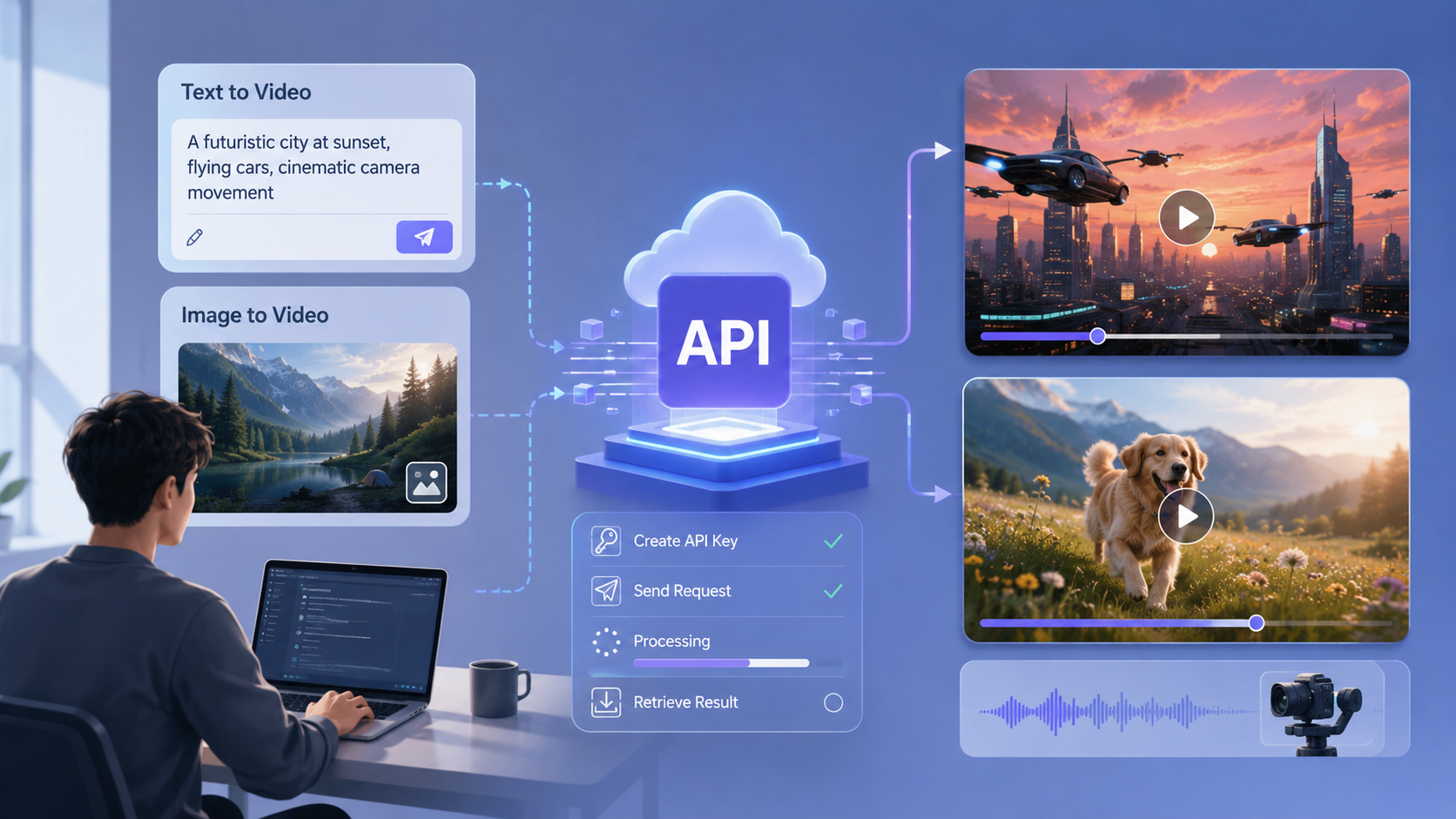
SoraApi provides a unified API for Sora 2 and Sora 2 Pro models. This lets users generate videos from prompts or reference images, with realistic motion, synchronized audio, and camera direction control. If you want to evaluate the model without building a full app, API access is a straightforward starting point. You create an API key, send a prompt or image, track the job, and retrieve the result when ready.
Actionable advice:
- Sign up and generate an API key from the dashboard.
- Begin with a simple text-to-video prompt.
- If you already have a visual concept, try image-to-video instead.
- Keep the first request simple so you can understand response times and output quality.
3. What Features Matter Most When Testing for Free
Conclusion: When trying a video generation model with limited access, focus on core creative controls instead of high-volume use.
Explanation:
The feature set includes text-to-video, image-to-video, multi-shot storytelling, synchronized audio, and style/camera control. These are the features that help you judge whether the tool is useful for your needs. If you only have limited credits, testing all features at once is inefficient. Instead, test one workflow at a time: prompt accuracy, motion quality, audio sync, and scene coherence.
Feature comparison
| Feature | What it does | Why it matters in a free test |
|---|---|---|
| Text-to-video | Turns a written prompt into a video | Best for quickly testing prompt understanding |
| Image-to-video | Animates a reference image | Useful if you want consistent composition |
| Multi-shot storytelling | Keeps coherence across cuts | Important for narrative scenes |
| Synchronized audio | Adds dialogue, SFX, or ambience | Helps evaluate realism |
| Camera and style control | Adjusts framing and cinematic direction | Useful for creative precision |
Actionable advice:
- Test prompt-to-video first to validate basic quality.
- Use image-to-video if your scene needs visual consistency.
- Compare outputs with and without audio expectations in mind.
- Save complex multi-shot tests for when you understand the baseline behavior.
4. How to Avoid Wasting Credits
Conclusion: A structured workflow is the best way to get value from limited or paid access.
Explanation:
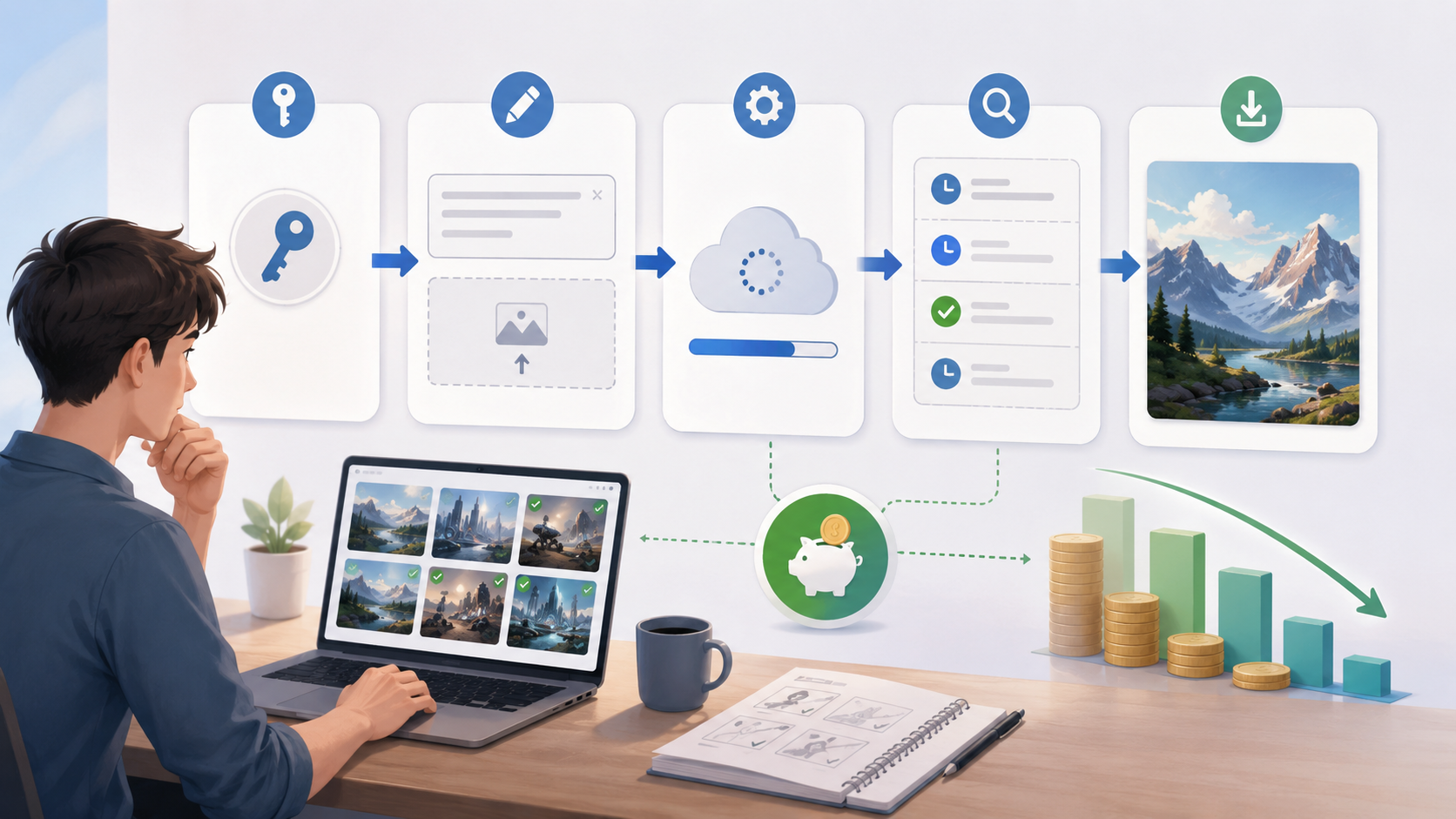
Because every generation costs credits, it is important to reduce unnecessary retries. The API workflow is designed to support production usage: you create a key, submit prompts or images, track job status, and fetch results when complete. If you treat each generation like an experiment with a clear goal, you can use fewer credits and get better feedback from each attempt.
Actionable advice:
- Write specific prompts with clear scene, motion, and style instructions.
- Avoid overly complex requests on the first try.
- Track results and compare what changed between generations.
- Batch your tests logically instead of random repeated runs.
- Use aspect ratio and camera direction intentionally.
5. Is a Free Sora 2 Option Worth It?
Conclusion: Yes, if your goal is learning, prototyping, or evaluating video quality before committing to a larger workflow.
Explanation:
A free or trial-based approach is most useful when you want to test whether the model fits your creative needs. If you are building a product, the API approach also matters because it supports scaling, quotas, batching, and production-ready integration. That makes it more suitable for teams and developers who need repeatable results rather than one-off experiments.
Actionable advice:
- Use free access to evaluate output quality, not to produce large batches.
- Decide early whether you need text-to-video, image-to-video, or both.
- If the results match your workflow, plan for a credit-based production setup.
- For teams, confirm whether the API supports your scale and integration needs.
FAQ
Can I use Sora 2 completely for free?
Not necessarily. Access is API-based and generation is credit-based, so “free” usually means a trial, starter credits, or limited testing rather than unlimited use.
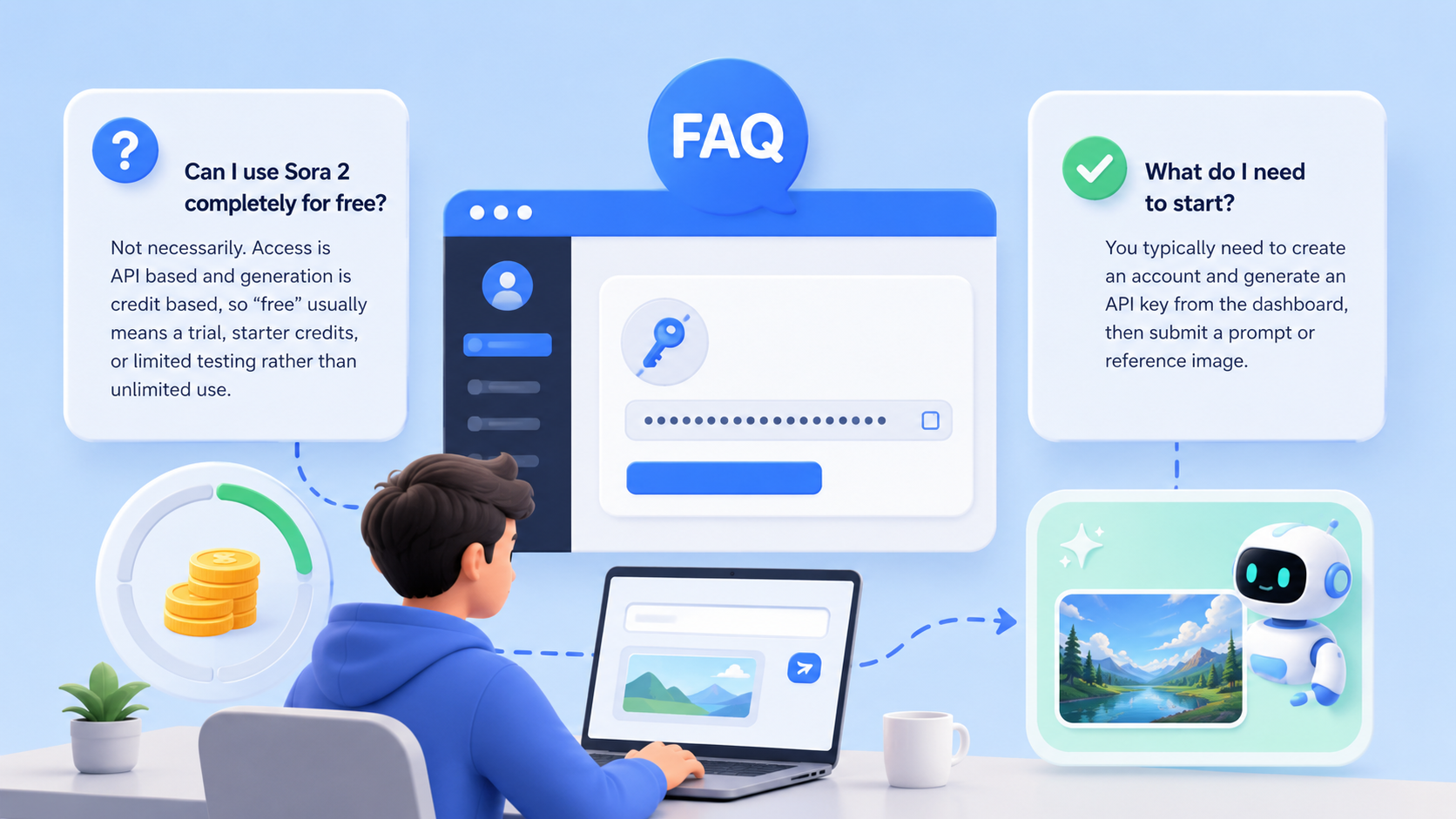
What do I need to start?
You typically need to create an account and generate an API key from the dashboard, then submit a prompt or reference image.
What is the difference between text-to-video and image-to-video?
Text-to-video creates a video from a written prompt, while image-to-video animates a reference image into motion.
Does the API support audio?
Yes. It supports synchronized audio, including dialogue, sound effects, and ambience aligned with the visuals.
Can I use it for multi-shot scenes?
Yes. The feature set includes multi-shot storytelling and coherent transitions across cuts.
Summary
If you want to use Sora 2 for free, the realistic path is to look for trial access, starter credits, or a limited test setup through a unified API. The most practical approach is to create an API key, try a simple text-to-video or image-to-video request, and evaluate the results before spending more credits. Focus your tests on motion quality, scene coherence, camera control, and audio sync so you can decide whether the tool fits your creative workflow.
Call it with the Sora 2 API
You can run everything in this article from your own code. Call POST /api/ai/generate with your key in the Authorization header (Bearer sk_…), the model, your prompt and options such as duration and aspect ratio. The reply returns a task ID; poll GET /api/ai/task?taskId=… until taskStatus is success. Swap model for any slug listed by GET /api/ai/router01/models. Every parameter is explained in the Sora 2 API documentation.
curl -X POST https://sora2-api.com/api/ai/generate \
  -H "Authorization: Bearer sk_YOUR_API_KEY" \
  -H "Content-Type: application/json" \
  -d '{
    "mediaType": "video",
    "model": "sora-2",
    "prompt": "A red fox runs through fresh snow at sunrise, slow tracking shot",
    "options": { "duration": 8, "aspect_ratio": "16:9" }
  }'
The same flow in JavaScript: submit the task, poll its status and read the video URL.
const headers = {
  Authorization: 'Bearer sk_YOUR_API_KEY',
  'Content-Type': 'application/json',
};

// Submit the task
const submit = await fetch('https://sora2-api.com/api/ai/generate', {
  method: 'POST',
  headers,
  body: JSON.stringify({
    mediaType: 'video',
    model: 'sora-2',
    prompt: 'A red fox runs through fresh snow at sunrise, slow tracking shot',
    options: { duration: 8, aspect_ratio: '16:9' },
  }),
}).then((res) => res.json());
const { taskId } = submit.data;

// Poll until the video is ready, then read its URL
let task;
do {
  await new Promise((resolve) => setTimeout(resolve, 5000));
  task = (
    await fetch(`https://sora2-api.com/api/ai/task?taskId=${taskId}`, { headers }).then(
      (res) => res.json()
    )
  ).data;
} while (!['success', 'failed', 'canceled'].includes(task.taskStatus));
console.log(task.taskInfo?.videos?.[0]?.videoUrl);
Go further: Sora 2 API integration guide · Sora 2 API pricing