
Uncategorized
How to Get Sora 2: A Practical Guide to Access and Use It
How to Get Sora 2: A Practical Guide to Access and Use It If you are searching for how to get Sora 2 , the key question

If you are searching for how to get Sora 2, the key question is usually not just “where is it?” but “how can I access it in a reliable, practical way?” This article explains the most useful path for getting started with Sora 2-style video generation, especially if you want to build or use it through an API for text-to-video and image-to-video workflows.
What “Getting Sora 2” Usually Means
Conclusion: Getting Sora 2 generally means gaining access to a Sora 2-capable video generation workflow, often through an API or platform integration.
Explanation: SoraApi provides a unified API for Sora 2 and Sora 2 Pro video generation. That means users can create videos from text prompts or reference images without manually handling a complex video pipeline. For many users, “getting Sora 2” is less about downloading a standalone app and more about using a service that exposes Sora-style generation features through an API.
Actionable advice:
- Decide whether you need text-to-video, image-to-video, or both.
- Check whether your use case needs standard output or a higher-fidelity Pro tier.
- If you are building a product, choose an API-based path so you can integrate generation into your app or workflow.
How to Access Sora 2 Through SoraApi
Conclusion: The most direct way is to use the SoraApi video generation API.
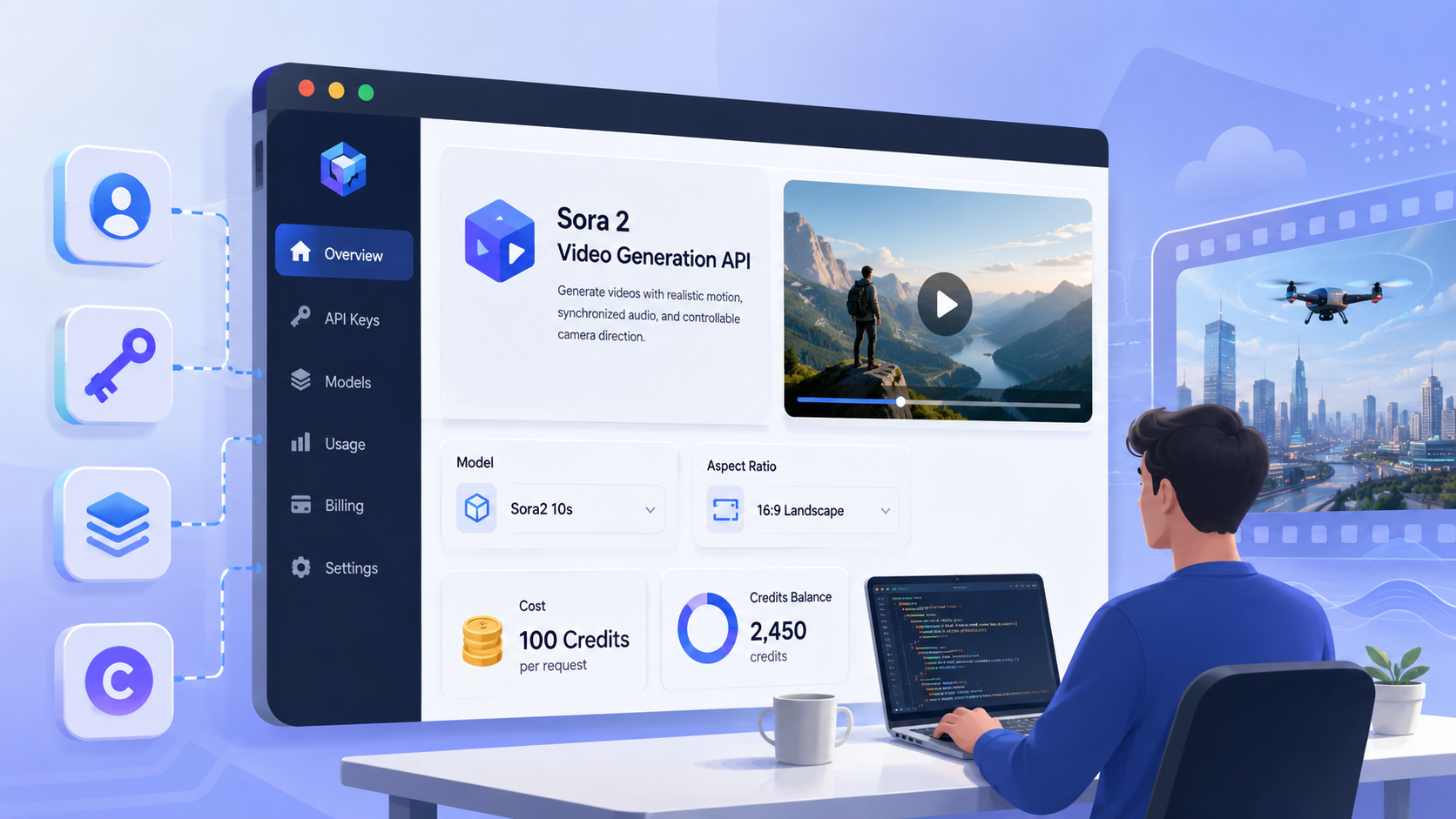
Explanation: SoraApi offers a unified API for generating videos with realistic motion, synchronized audio, and controllable camera direction. The available configuration includes the Sora2-10s model and a 16:9 landscape aspect ratio, with generation costing 100 credits per request. This setup is useful if you want a simple route into Sora-style video creation without building a model pipeline yourself.
Actionable advice:
- Visit the platform and create an account.
- Generate an API key from the dashboard.
- Review your model and aspect ratio options before sending requests.
- Make sure your credit usage matches your expected output volume.
At a Glance
| Item | Available Option |
|---|---|
| Access method | API integration |
| Models mentioned | Sora2-10s, Sora 2 Pro |
| Main modes | Text-to-video, image-to-video |
| Aspect ratio | 16:9 landscape |
| Output style | Realistic motion, synced audio |
| Cost per generation | 100 credits |
What You Can Do With Sora 2-Style Generation
Conclusion: Sora 2-style generation is useful for creating both simple clips and more structured video sequences.
Explanation: The core capabilities are prompt-based video generation, animation of reference images, multi-shot storytelling, camera and style control, and synchronized audio. This makes the system suitable for creators, product teams, and developers who want flexible video generation with visual consistency.
Actionable advice:
- Use text-to-video when you want to turn a written idea into a clip.
- Use image-to-video when you want to animate an existing visual reference.
- Use multi-shot sequences when your content needs continuity across scenes.
- Use camera and style controls to guide framing and cinematic feel.
- Use synced audio when dialogue, ambience, or SFX matter to the final result.
How the Workflow Works
Conclusion: The workflow is straightforward: create access, submit input, monitor the job, and retrieve the result.

Explanation: SoraApi's process is designed for production use. You create an API key, send prompts or reference images, track the generation status, and fetch the result when the job is ready. This structure is useful because it supports both individual experiments and scalable usage patterns.
Actionable advice:
- Create an API key from your dashboard.
- Prepare your prompt or image reference with clear creative direction.
- Set the model, aspect ratio, and style controls for your request.
- Poll the job status until the generation completes.
- Retrieve and review the output, then adjust your prompt if needed.
Best Practices for Getting Better Results
Conclusion: Clear prompts and consistent creative direction improve the quality of generated videos.
Explanation: The model focuses on camera direction, multi-shot coherence, and synchronized audio. That suggests the system performs best when your instructions are specific and structured. If you are trying to get better outcomes from Sora 2-style generation, treat the prompt like a production brief rather than a casual sentence.
Actionable advice:
- Describe the subject, action, environment, and mood clearly.
- Mention whether the scene should feel realistic, cinematic, or stylized.
- Specify the camera angle, framing, and movement when relevant.
- For multi-shot content, keep recurring characters or settings consistent.
- If audio matters, include notes about dialogue, ambience, or sound effects.
FAQ
Is Sora 2 available as a downloadable tool?
Sora 2 access works through a unified API rather than a downloadable consumer app.
Can I use Sora 2 for both text and image inputs?
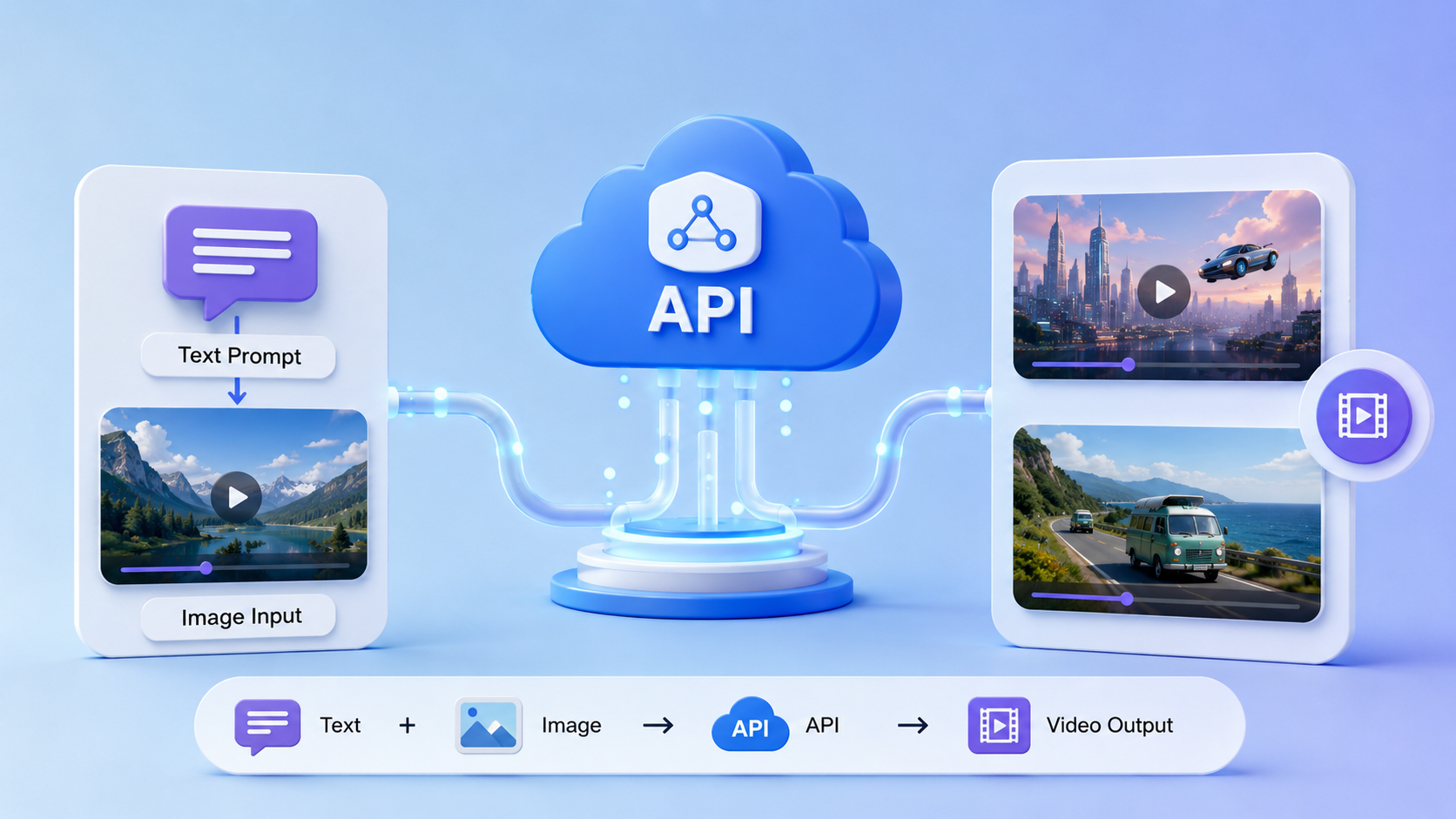
Yes. The feature set includes both text-to-video and image-to-video generation.
Does it support audio?
Yes. It supports synchronized audio, including dialogue, sound effects, and ambience.
What model and format are mentioned?
Common settings are a 10-second duration and a 16:9 landscape aspect ratio.
How much does one generation cost?
Each generation is billed in credits, based on the model and settings you choose.
Summary
If you want to know how to get Sora 2, the most practical answer is to use a Sora 2-capable API workflow such as SoraApi’s unified video generation API. It supports text-to-video and image-to-video creation, synchronized audio, multi-shot storytelling, and camera control. For the best experience, start with a clear prompt, choose the right mode, and review how many credits each generation consumes before scaling up.
Call it with the Sora 2 API
You can run everything in this article from your own code. Call POST /api/ai/generate with your key in the Authorization header (Bearer sk_…), the model, your prompt and options such as duration and aspect ratio. The reply returns a task ID; poll GET /api/ai/task?taskId=… until taskStatus is success. Swap model for any slug listed by GET /api/ai/router01/models. Every parameter is explained in the Sora 2 API documentation.
curl -X POST https://sora2-api.com/api/ai/generate \
  -H "Authorization: Bearer sk_YOUR_API_KEY" \
  -H "Content-Type: application/json" \
  -d '{
    "mediaType": "video",
    "model": "sora-2",
    "prompt": "A red fox runs through fresh snow at sunrise, slow tracking shot",
    "options": { "duration": 8, "aspect_ratio": "16:9" }
  }'
The same flow in JavaScript: submit the task, poll its status and read the video URL.
const headers = {
  Authorization: 'Bearer sk_YOUR_API_KEY',
  'Content-Type': 'application/json',
};

// Submit the task
const submit = await fetch('https://sora2-api.com/api/ai/generate', {
  method: 'POST',
  headers,
  body: JSON.stringify({
    mediaType: 'video',
    model: 'sora-2',
    prompt: 'A red fox runs through fresh snow at sunrise, slow tracking shot',
    options: { duration: 8, aspect_ratio: '16:9' },
  }),
}).then((res) => res.json());
const { taskId } = submit.data;

// Poll until the video is ready, then read its URL
let task;
do {
  await new Promise((resolve) => setTimeout(resolve, 5000));
  task = (
    await fetch(`https://sora2-api.com/api/ai/task?taskId=${taskId}`, { headers }).then(
      (res) => res.json()
    )
  ).data;
} while (!['success', 'failed', 'canceled'].includes(task.taskStatus));
console.log(task.taskInfo?.videos?.[0]?.videoUrl);
Go further: Sora 2 API integration guide · Sora 2 API pricing