
Uncategorized
Sora 2 Replacement Tools: Alternative Options for Different Needs
Sora 2 Replacement Tools: Alternative Options for Different Needs If you are looking for a sora v2 replacement, the real
If you are looking for a sora v2 replacement, the real question is not just “What is similar?” but “What fits my workflow, budget, and product goals?” This article helps you compare practical replacement directions for Sora-style video generation, especially if you need text-to-video, image-to-video, synced audio, or API-based integration for production use.
1. What a good Sora 2 replacement should solve
Conclusion: The best replacement is the one that matches your use case, not just the one that sounds most advanced.
A Sora 2 alternative should usually cover one or more of these needs:
- Text-to-video generation for turning prompts into short clips
- Image-to-video generation for animating reference frames
- Realistic motion to keep scenes visually believable
- Synced audio for dialogue, sound effects, or ambience
- Camera and style control for more directed output
- API access for product integration and scaling
For teams building products, the replacement decision often depends on whether you need:
- a creative tool
- a production workflow
- or a developer-friendly API
Actionable advice:
- If you only need occasional video generation, prioritize ease of use.
- If you are building a product, prioritize API access and predictable workflow control.
- If realism and scene continuity matter, look for support for multi-shot sequences and synchronized audio.
2. A practical replacement option: SoraApi’s Sora-style video generation API
Conclusion: If you need a developer-oriented alternative for Sora-style video generation, SoraApi’s unified API is a strong fit.
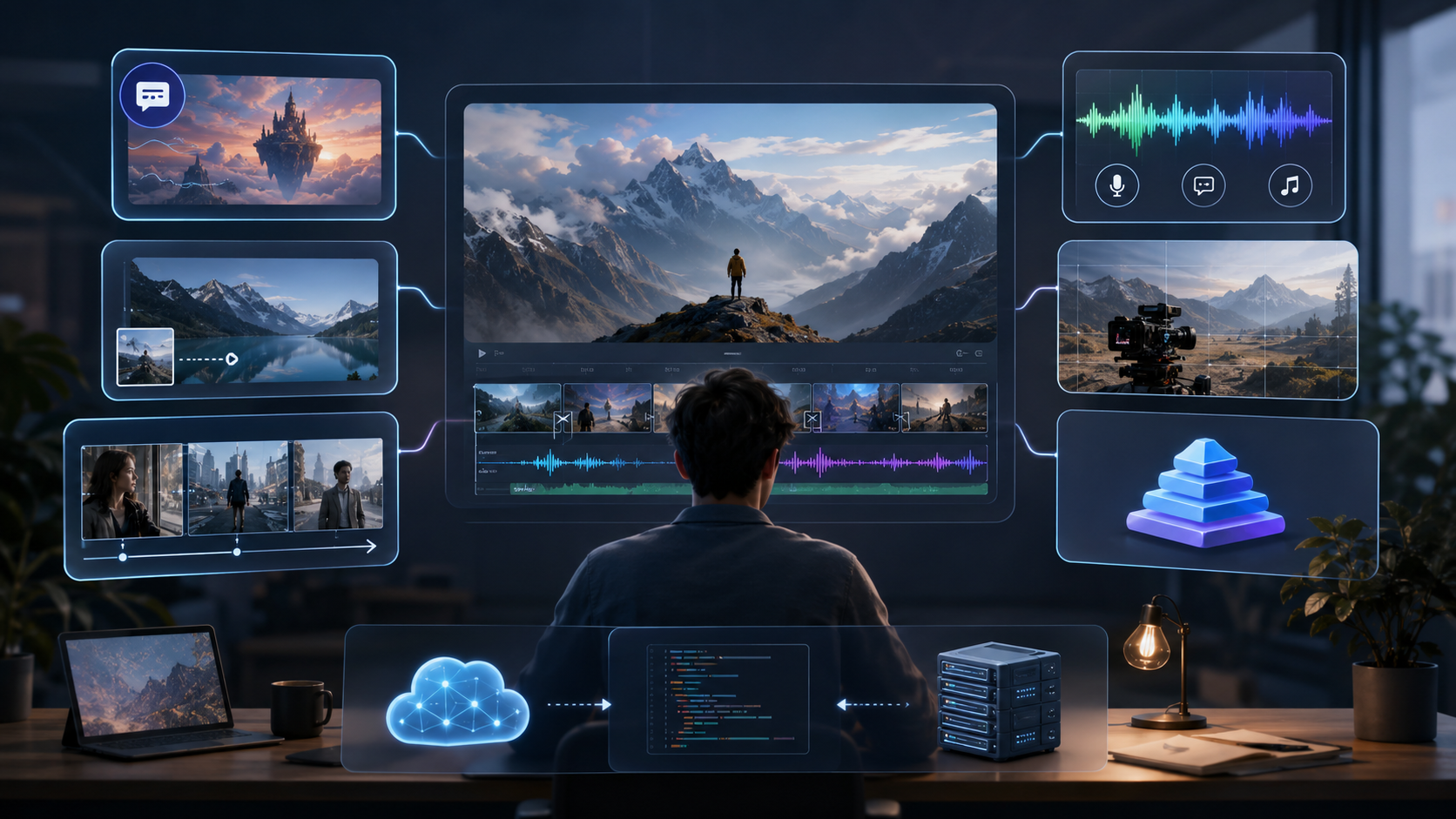
SoraApi offers a video generation API that supports both text-to-video and image-to-video experiences. It is designed for users who want realistic motion, synchronized audio, and controllable camera direction in a production-friendly format.
Key capabilities
- Text-to-video generation from natural language prompts
- Image-to-video generation using reference images
- Multi-shot storytelling with coherent transitions
- Synced audio for dialogue, SFX, and ambience
- Camera and style control for framing and cinematic direction
- Sora 2 Pro tier for higher fidelity outputs
- API integration with REST endpoints
Why this matters
If your goal is to build an application rather than just generate one-off clips, an API-based replacement is often more useful than a standalone interface. You can integrate it into:
- content creation tools
- marketing automation workflows
- social video pipelines
- product demos
- internal creative systems
Recommended use cases
Use a Sora-style API replacement when you need:
- automated video generation at scale
- consistent output structure
- prompt-driven creation inside your product
- the ability to track jobs and fetch results programmatically
Actionable advice:
- Use text-to-video when you start from a script or concept.
- Use image-to-video when you already have a visual reference.
- Use multi-shot sequences when you need the video to feel like a coherent narrative instead of a single scene.
- Use synced audio when the final clip needs to feel more complete and immersive.
3. Compare replacement options by workflow need
Conclusion: Different users need different replacement types, so the best choice depends on the workflow.
Below is a simple comparison table to help you choose.
| Need | Best replacement direction | Why it fits |
|---|---|---|
| Prompt-based video creation | Text-to-video API or tool | Best for turning ideas into scenes |
| Reference-image animation | Image-to-video solution | Best for preserving composition and style |
| Multi-shot video narratives | Story-aware generation workflow | Better for transitions and continuity |
| Audio-synced output | Video generator with sound support | Helps visuals and sound feel aligned |
| Product integration | API-based solution | Easier to automate and scale |
| Controlled cinematic output | Tool with camera/style controls | Useful for framing and visual direction |
How to read this table
If you are comparing options for sora v2 replacement, do not focus only on visual quality. Also consider:
- how easy it is to integrate
- whether it supports your input type
- whether it can produce coherent sequences
- whether the output includes audio
- whether it can support production workloads
Actionable advice:
- For content teams, start with output quality and ease of use.
- For developers, start with API structure and request flexibility.
- For advanced use cases, test multi-shot coherence and audio synchronization first.
4. How SoraApi works in practice
Conclusion: The workflow is straightforward and suitable for production use.
SoraApi follows a simple process:
- Create an API key from the dashboard.
- Send prompts or reference images with model, aspect ratio, and creative direction.
- Track generation status by polling job progress.
- Fetch the final result when rendering is complete.
- Scale with confidence using quotas and batching.

What this means for users
This workflow is useful if you want to:
- automate video creation
- separate request submission from result retrieval
- build a queue-based generation pipeline
- manage multiple video tasks reliably
Important configuration details
- Model selection:
Sora2-10s - Aspect ratio:
16:9 (Landscape) - Cost per generation:
100 credits
Actionable advice:
- Choose your aspect ratio based on the final platform, such as landscape for standard video formats.
- Plan for asynchronous processing if your application needs many generations.
- Use quotas and batching if you expect repeated or high-volume requests.
5. Choosing the right replacement for your situation
Conclusion: The right Sora 2 replacement depends on whether you are a creator, marketer, or developer.
Here is a simple decision guide:
- Choose a text-to-video tool if you want to turn prompts into short video scenes quickly.
- Choose an image-to-video tool if you already have a visual reference and want motion.
- Choose an API-based solution if you need automation, scale, or product integration.
- Choose a tool with audio support if the final output needs sound to feel complete.
- Choose a solution with multi-shot support if your project requires narrative coherence.
For many teams, the most practical sora v2 replacement is not a direct copy of one feature. It is a workflow that combines:
- prompt flexibility
- reference-image input
- realistic motion
- synchronized audio
- controllable camera direction
- API access for integration
Actionable advice:
- Define your top three requirements before comparing tools.
- Test one prompt, one reference image, and one multi-shot scenario.
- Evaluate output quality, workflow speed, and integration effort together.
FAQ
What is the best Sora 2 replacement for developers?
A developer-friendly API that supports text-to-video, image-to-video, and job-based processing is usually the most practical choice. SoraApi’s unified API is designed around that workflow.

Can a Sora 2 replacement support both prompts and reference images?
Yes. It supports both text-to-video and image-to-video, which makes it suitable for multiple creative workflows.
Why does synchronized audio matter?
Synchronized audio helps the video feel more complete and realistic by aligning sound effects, dialogue, and ambience with the visuals.
Is multi-shot storytelling important in a replacement tool?
If you need coherent scenes across cuts and transitions, yes. Multi-shot support is useful for narrative consistency.
What should I check before choosing a Sora v2 alternative?
Check input types, audio support, cinematic control, API availability, and whether the tool can fit your expected usage volume.
Summary
If you are searching for a sora v2 replacement, start by matching the tool to your actual workflow. For simple creative use, a prompt-based generator may be enough. For production systems, an API-driven solution is usually more useful.
SoraApi stands out as a Sora-style video generation API that supports:
- text-to-video
- image-to-video
- multi-shot storytelling
- synchronized audio
- camera and style control
- production-ready API integration
The best replacement is the one that helps you create the right video, in the right format, with the least operational friction.
Call it with the Sora 2 API
You can run everything in this article from your own code. Call POST /api/ai/generate with your key in the Authorization header (Bearer sk_…), the model, your prompt and options such as duration and aspect ratio. The reply returns a task ID; poll GET /api/ai/task?taskId=… until taskStatus is success. Swap model for any slug listed by GET /api/ai/router01/models. Every parameter is explained in the Sora 2 API documentation.
curl -X POST https://sora2-api.com/api/ai/generate \
  -H "Authorization: Bearer sk_YOUR_API_KEY" \
  -H "Content-Type: application/json" \
  -d '{
    "mediaType": "video",
    "model": "sora-2",
    "prompt": "A red fox runs through fresh snow at sunrise, slow tracking shot",
    "options": { "duration": 8, "aspect_ratio": "16:9" }
  }'
The same flow in JavaScript: submit the task, poll its status and read the video URL.
const headers = {
  Authorization: 'Bearer sk_YOUR_API_KEY',
  'Content-Type': 'application/json',
};

// Submit the task
const submit = await fetch('https://sora2-api.com/api/ai/generate', {
  method: 'POST',
  headers,
  body: JSON.stringify({
    mediaType: 'video',
    model: 'sora-2',
    prompt: 'A red fox runs through fresh snow at sunrise, slow tracking shot',
    options: { duration: 8, aspect_ratio: '16:9' },
  }),
}).then((res) => res.json());
const { taskId } = submit.data;

// Poll until the video is ready, then read its URL
let task;
do {
  await new Promise((resolve) => setTimeout(resolve, 5000));
  task = (
    await fetch(`https://sora2-api.com/api/ai/task?taskId=${taskId}`, { headers }).then(
      (res) => res.json()
    )
  ).data;
} while (!['success', 'failed', 'canceled'].includes(task.taskStatus));
console.log(task.taskInfo?.videos?.[0]?.videoUrl);
Go further: Sora 2 API integration guide · Sora 2 API pricing