
Uncategorized
Sora 2 Video Generator Review: How Impressive Is AI Video Generation Really?
Sora 2 Video Generator Review: How Impressive Is AI Video Generation Really? If you’re wondering whether sora 2 video ge

If you’re wondering whether sora 2 video generator is just another AI demo or a genuinely useful tool for creating realistic videos, this article gives you the answer in practical terms. We’ll look at what it does well, where it fits in a real workflow, and how to evaluate it for content production without relying on hype.
What the Sora 2 Video Generator Is Best At
Conclusion: The strongest value of a Sora 2-style video generator is fast creation of realistic video from text or images, with motion, sound, and composition that feel much closer to finished content than a simple visual mockup.
Why it matters
According to the available product information, SoraApi’s Sora 2 video generation API supports:
- Text-to-video generation
- Image-to-video generation
- Realistic motion
- Synchronized audio
- Camera direction and style control
- Multi-shot storytelling
That combination is important because many AI video tools can generate a single nice-looking frame, but struggle when the scene needs movement, continuity, or sound alignment. A tool like this is aimed at bridging that gap.
Practical advice
Use it when your goal is to:
- turn a prompt into a short cinematic clip,
- animate a reference image into motion,
- prototype a scene before full production,
- test visual storytelling ideas quickly.
Avoid expecting it to replace a full professional production pipeline for every use case. It is better framed as a powerful generation layer for ideation, prototyping, and scalable content workflows.
Core Capabilities You Should Actually Care About
Conclusion: The most useful features are not just “AI video generation,” but the controls that help you shape output predictably.
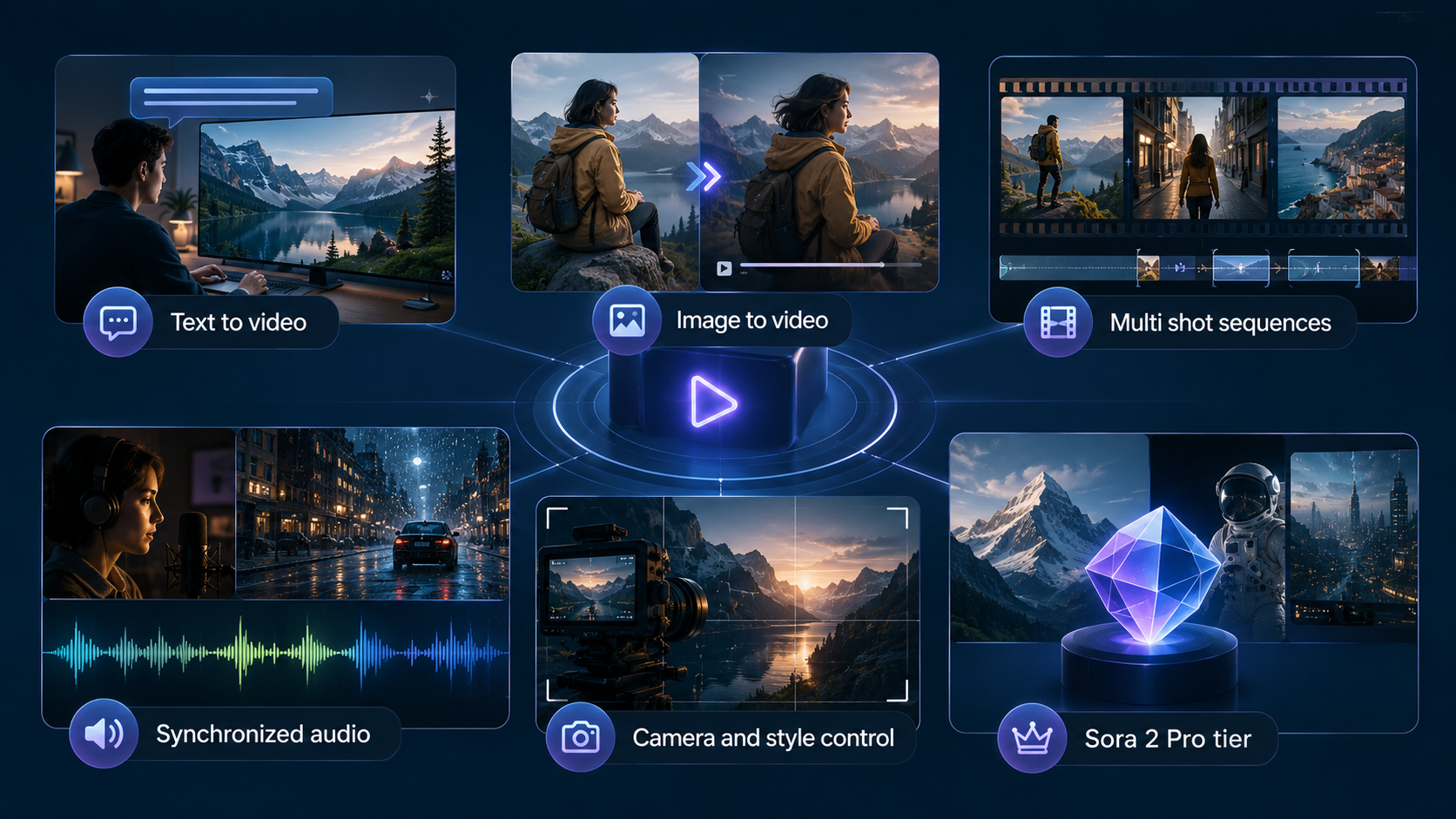
Main capabilities at a glance
| Capability | What it helps with | Why it matters |
|---|---|---|
| Text-to-video | Generate video from natural language prompts | Useful for rapid concept creation |
| Image-to-video | Animate a reference image into motion | Good for maintaining composition and style |
| Multi-shot sequences | Keep context across cuts and transitions | Better for storytelling and scene continuity |
| Synchronized audio | Align dialogue, sound effects, and ambience | Makes output feel more complete |
| Camera and style control | Define framing and cinematic direction | Improves creative control |
| Sora 2 Pro tier | Higher-fidelity output options | Useful when quality requirements are stricter |
Explanation
These features matter because video quality is not only about resolution or realism. In practical content work, the questions are:
- Does the scene stay coherent?
- Does the motion look believable?
- Can I guide the camera and style?
- Can I produce something that feels complete with audio?
A sora 2 video generator becomes more valuable when it can support all of those constraints in one workflow.
Practical advice
When testing a video generation tool, evaluate it using the same checklist:
- Prompt clarity: does the result follow the prompt?
- Motion quality: is movement natural?
- Audio alignment: does sound fit the scene?
- Composition consistency: does the subject stay recognizable?
- Output control: can you direct the shot?
That makes your review repeatable and useful, rather than subjective.
How the Workflow Fits Real Production Use
Conclusion: The workflow is simple enough for fast iteration, but structured enough to support production-style usage through API integration.
Typical process
Based on the available information, the process works like this:
- Create an API key.
- Send prompts or reference images.
- Choose the model, aspect ratio, and creative direction.
- Track generation status.
- Fetch the result when ready.
- Scale using quotas and batching if needed.
Why this matters
This is more than a one-click generator. An API-based workflow makes the tool easier to embed into:
- internal creative tools,
- automated content pipelines,
- prototype apps,
- production systems that need repeatable generation.
That means the value is not limited to individual users. It can also serve teams that need structured output and consistent request handling.
Practical advice
If you are evaluating this for your own workflow:
- Start with a simple text-to-video prompt.
- Then test image-to-video with a reference frame.
- After that, check whether aspect ratio and camera direction are controllable enough for your use case.
- Finally, test status polling and batch behavior if you plan to scale.

This sequence helps you identify whether the tool is suitable for experimentation only, or also for regular production use.
Cost, Format, and Fit for Different Use Cases
Conclusion: The practical fit depends on your output needs, especially if you care about landscape format, generation cost, and tier selection.
Known configuration details
The key facts:
- Model: Sora2-10s
- Aspect ratio: 16:9 landscape
- Cost per generation: 100 credits
What this means
These details are important because they define the constraints of your testing and planning.
- 16:9 landscape is a common format for YouTube, presentations, websites, and many ad placements.
- 100 credits per generation means you should plan tests carefully and avoid low-signal prompts.
- Sora2-10s suggests a short-form generation setup, which is often more useful for clips, previews, and prompt testing than for long narrative scenes.
Practical advice
To get the most out of your usage:
- Write prompts with a clear subject, action, setting, and camera direction.
- Use image-to-video when composition consistency matters.
- Reserve higher-fidelity tiers for final output tests, not rough ideation.
- Keep prompts focused, since short-form generation works best with concise scene goals.
A Simple Evaluation Checklist for SEO and Content Teams
Conclusion: If you are choosing a sora 2 video generator for content production, the best evaluation is whether it saves time while preserving creative control.
Checklist
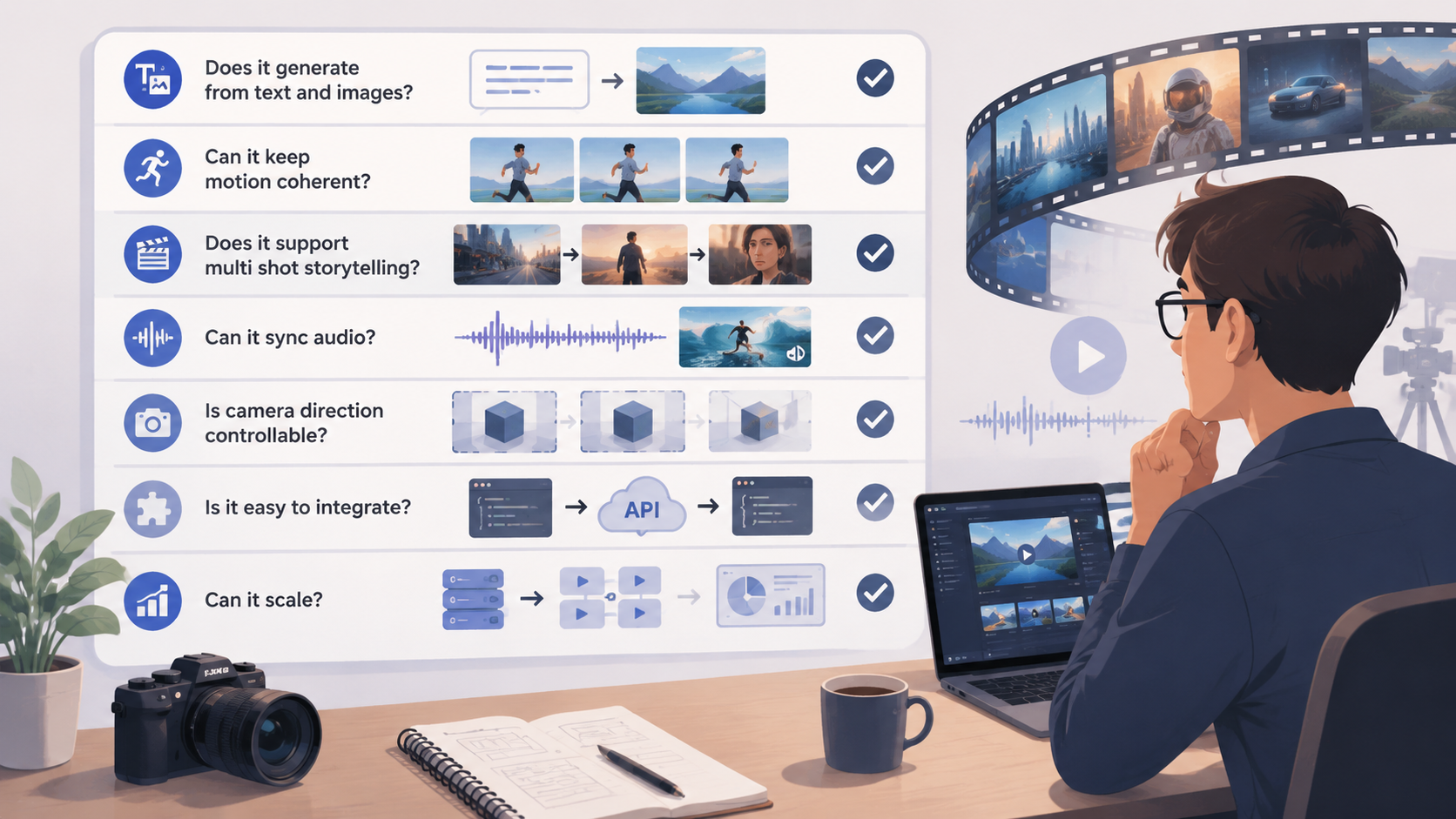
Use this table to assess the tool before adoption:
| Question | What to look for |
|---|---|
| Does it generate from text and images? | Both modes should work smoothly |
| Can it keep motion coherent? | Subjects should move naturally |
| Does it support multi-shot storytelling? | Scene transitions should remain understandable |
| Can it sync audio? | Sound should match action |
| Is camera direction controllable? | Framing should be adjustable |
| Is it easy to integrate? | REST-style API and clear responses matter |
| Can it scale? | Quotas, batching, and job tracking should exist |
Practical advice
If the answer is “yes” to most of these questions, the tool is likely useful beyond demos. If the answer is “no” to several, it may still be interesting for experimentation, but not dependable for a workflow.
FAQ
What is a sora 2 video generator?
It is an AI video generation tool designed to create videos from text prompts or reference images, with realistic motion, synchronized audio, and controllable camera direction.
Can it do both text-to-video and image-to-video?
Yes. The available information indicates support for both modes, which makes it useful for either concept creation or animated reference-based output.
Does it support audio?
Yes. One of its notable features is synchronized audio, including sound effects, dialogue, and ambience aligned with the visuals.
Is it suitable for production use?
It can be, especially if you need API-based integration, job tracking, and scalable generation workflows. The best fit depends on your quality requirements and creative control needs.
What format does it support?
A common choice is a 16:9 landscape aspect ratio.
How much does one generation cost?
Each generation is billed in credits, and the cost is shown before you submit.
Conclusion
The main reason the sora 2 video generator stands out is not just that it creates video, but that it combines motion realism, audio sync, camera control, and API-friendly workflow in a way that feels practical for real content teams.
If you need fast concept videos, animated image-based scenes, or a more structured way to build AI video into a product or workflow, this kind of tool is worth testing. The key is to evaluate it with clear prompts, simple output goals, and a checklist focused on coherence, control, and usability.
For content creators, marketers, and product teams, the real question is not whether AI video looks impressive in a demo. It is whether it can consistently produce usable results. Based on the available feature set, this one has strong potential.
Call it with the Sora 2 API
You can run everything in this article from your own code. Call POST /api/ai/generate with your key in the Authorization header (Bearer sk_…), the model, your prompt and options such as duration and aspect ratio. The reply returns a task ID; poll GET /api/ai/task?taskId=… until taskStatus is success. Swap model for any slug listed by GET /api/ai/router01/models. Every parameter is explained in the Sora 2 API documentation.
curl -X POST https://sora2-api.com/api/ai/generate \
  -H "Authorization: Bearer sk_YOUR_API_KEY" \
  -H "Content-Type: application/json" \
  -d '{
    "mediaType": "video",
    "model": "sora-2",
    "prompt": "A red fox runs through fresh snow at sunrise, slow tracking shot",
    "options": { "duration": 8, "aspect_ratio": "16:9" }
  }'
The same flow in JavaScript: submit the task, poll its status and read the video URL.
const headers = {
  Authorization: 'Bearer sk_YOUR_API_KEY',
  'Content-Type': 'application/json',
};

// Submit the task
const submit = await fetch('https://sora2-api.com/api/ai/generate', {
  method: 'POST',
  headers,
  body: JSON.stringify({
    mediaType: 'video',
    model: 'sora-2',
    prompt: 'A red fox runs through fresh snow at sunrise, slow tracking shot',
    options: { duration: 8, aspect_ratio: '16:9' },
  }),
}).then((res) => res.json());
const { taskId } = submit.data;

// Poll until the video is ready, then read its URL
let task;
do {
  await new Promise((resolve) => setTimeout(resolve, 5000));
  task = (
    await fetch(`https://sora2-api.com/api/ai/task?taskId=${taskId}`, { headers }).then(
      (res) => res.json()
    )
  ).data;
} while (!['success', 'failed', 'canceled'].includes(task.taskStatus));
console.log(task.taskInfo?.videos?.[0]?.videoUrl);
Go further: Sora 2 API integration guide · Sora 2 API pricing