
Tikdek Advanced Studio: text, image, and storyboard runs
Switch between Sora 2 text/image and Sora 2 Pro Standard/High, plus storyboard shots. Set duration and aspect ratio before you spend credits.
Live demo
Run a Sora 2 Pro generation
Try all five Sora 2 / Sora 2 Pro modes, including storyboard shots, in one UI.
Sora Pro Video Generator
Generate videos with Sora 2 text/image, Sora 2 Pro Standard/High, and storyboard shots.
Applies to text/image models only.
Public videos can be viewed by other users.
No video generated yet
Configure your settings and start a run.
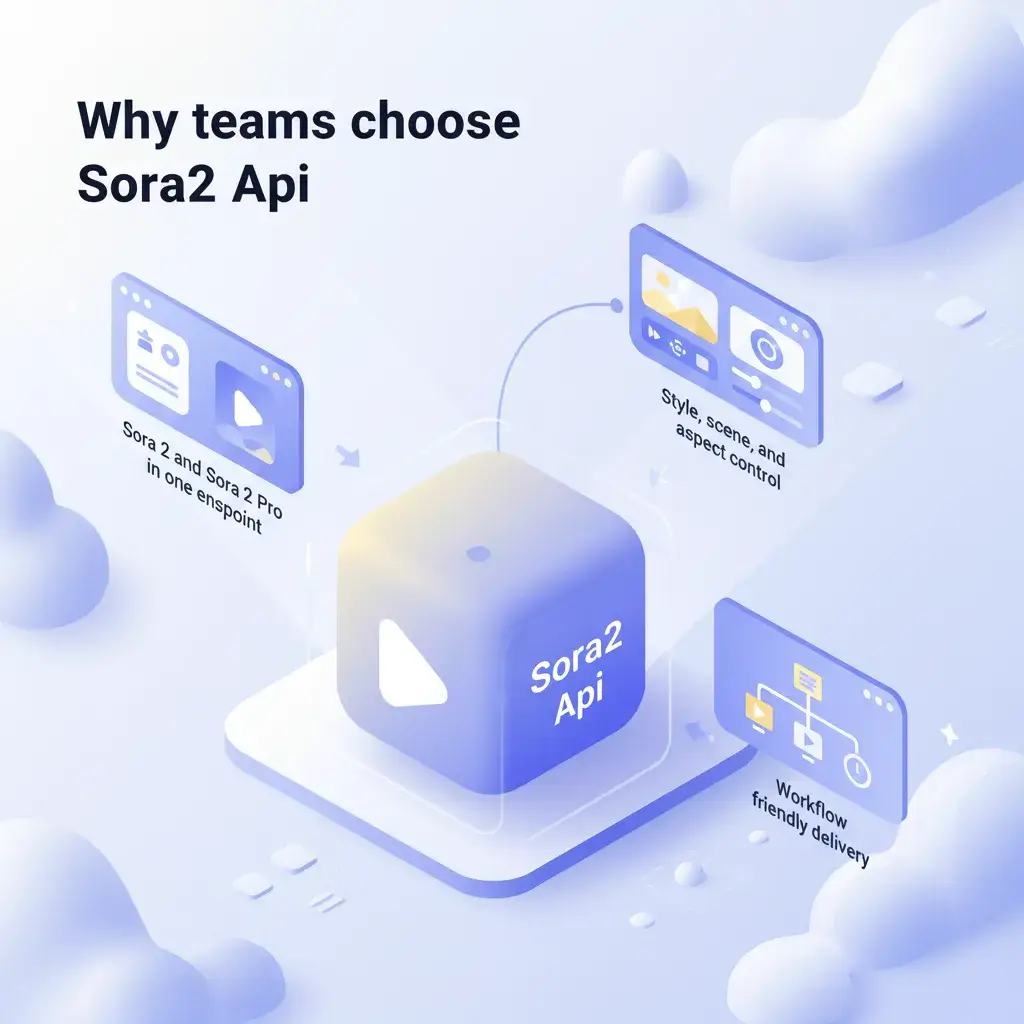
Sora 2 workflows, simplified
Single studio for prompts, images, durations, and storyboard shots.
- All-in-one studioText-to-video, image-to-video, and storyboard runs in one place.
- Parameters before creditsSet duration, aspect ratio, quality, and watermark options upfront.
- Prompt reuseKeep your best prompts and reuse across models and teams.
Why teams use the Tikdek Advanced Studio
Flexible inputs with transparent credit costs.
Fast switching
Toggle between five Sora 2 endpoints without leaving the page.
Storyboard clarity
Define shot duration and scene text with a visual editor.
Share-ready outputs
Copy result URLs as soon as the render finishes.
Image anchors
Use a reference frame for image-to-video and storyboard input.
Automatic refunds
Failed tasks return credits so you can retry quickly.
How to generate with Sora 2 Pro
Choose a model, configure parameters, then run the task.
Pick a model + duration
Select from text, image, Pro Standard/High, or storyboard.
Describe or storyboard
Write a prompt, upload an image, or build shot scenes and timings.
Generate and review
Launch the run, watch progress, then copy the final link.
Tikdek Advanced Studio features
Everything you need for the five Sora 2 models.
Unified prompt area
Use one prompt box across text and image workflows.
Progress tracking
See the job status update while the render runs.
Aspect ratio presets
Choose landscape or portrait before generation.
Storyboard editor
Add scenes and durations with a structured UI.
Standard + High
Switch between quality levels for Pro text/image models.
Credit visibility
See estimated credits before you submit.
Sora 2 Pro FAQs
Quick answers about models, durations, and credits.
Do I need extra setup?
No installs—just sign in and run the Sora 2 endpoints from the browser.
Which durations are supported?
Text/image models support 10s and 15s; storyboard runs offer 10s, 15s, and 25s.
What aspect ratios can I use?
Choose portrait or landscape before generation.
Who owns the output?
Your generated videos stay in your account for reuse.
How do credits work?
Credits are deducted per model and duration; failed tasks are refunded automatically.
Can I add images or storyboard shots?
Yes. Image-to-video uses a reference frame, and storyboard lets you define shot scenes and timing.
Start your next Sora 2 Pro run
Five Sora 2 modes, one studio.